
Confluence Components
The five confluence modules in the Smart Signals Assistant for signal confirmation.
The Smart Signals Assistant includes five confluence components that overlay additional analysis on your chart. These modules provide independent confirmation for entry and exit signals, helping you filter out low-quality setups.
What Is Confluence?
Confluence occurs when multiple independent indicators or analysis methods agree on the same trade direction. The SSA's confluence components each analyze a different aspect of market behavior. When several modules align with a Smart Signal, the probability of a successful trade increases.
The Five Confluence Modules
1. Trend Ribbon
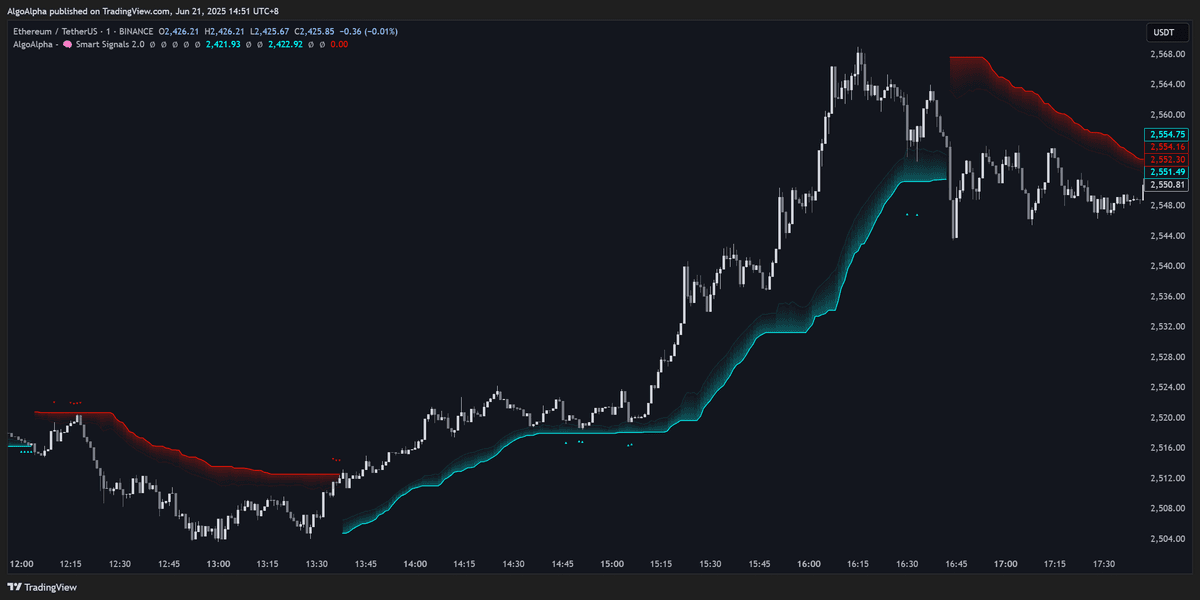
The Trend Ribbon displays a colored band behind price that represents the current trend direction and strength:
- Green ribbon — Bullish trend is active
- Red ribbon — Bearish trend is active
- Thin ribbon — Trend is weak or transitioning
- Thick ribbon — Trend is strong and established
How to use it: Only take buy signals when the Trend Ribbon is green, and sell signals when it is red. Avoid signals that go against the ribbon direction.
2. Momentum Oscillator
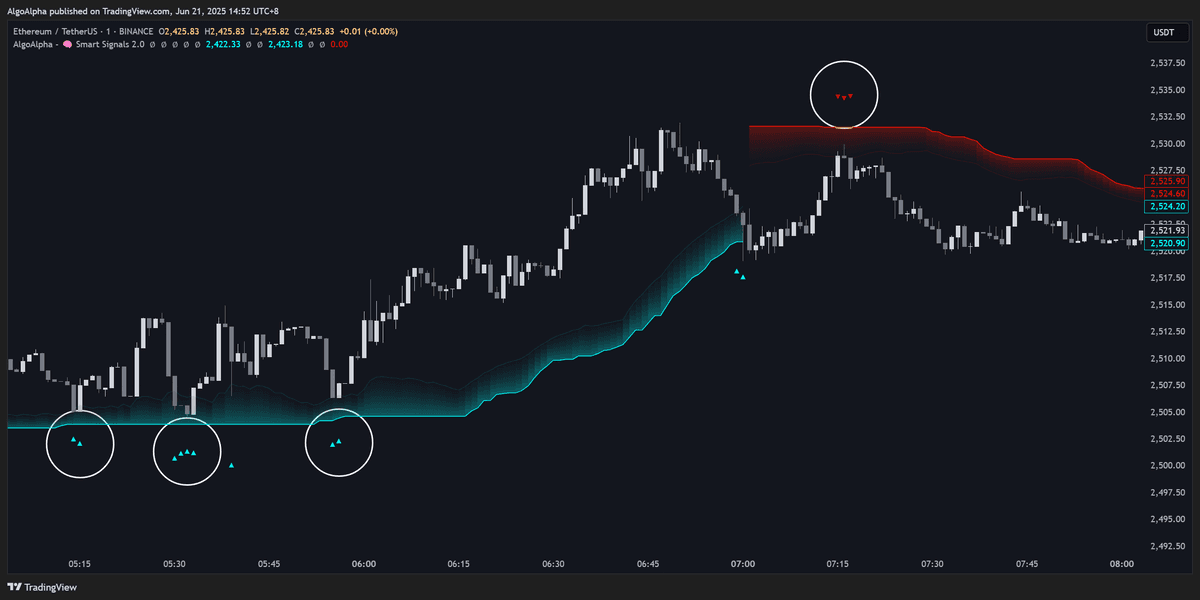
An oscillator component that measures the speed and acceleration of price movement:
- Values above the midline indicate bullish momentum
- Values below the midline indicate bearish momentum
- Crossovers of the midline can confirm trend changes
How to use it: Look for momentum to be rising (or crossing above the midline) when a buy signal appears. A buy signal with declining momentum is less reliable.
3. Volume Analysis
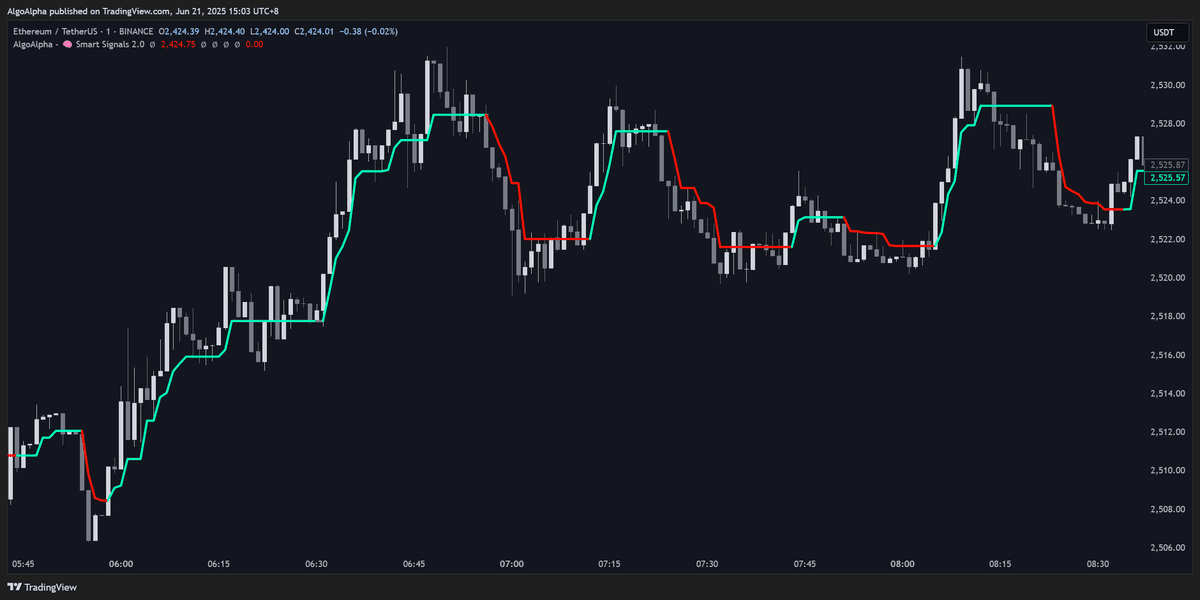
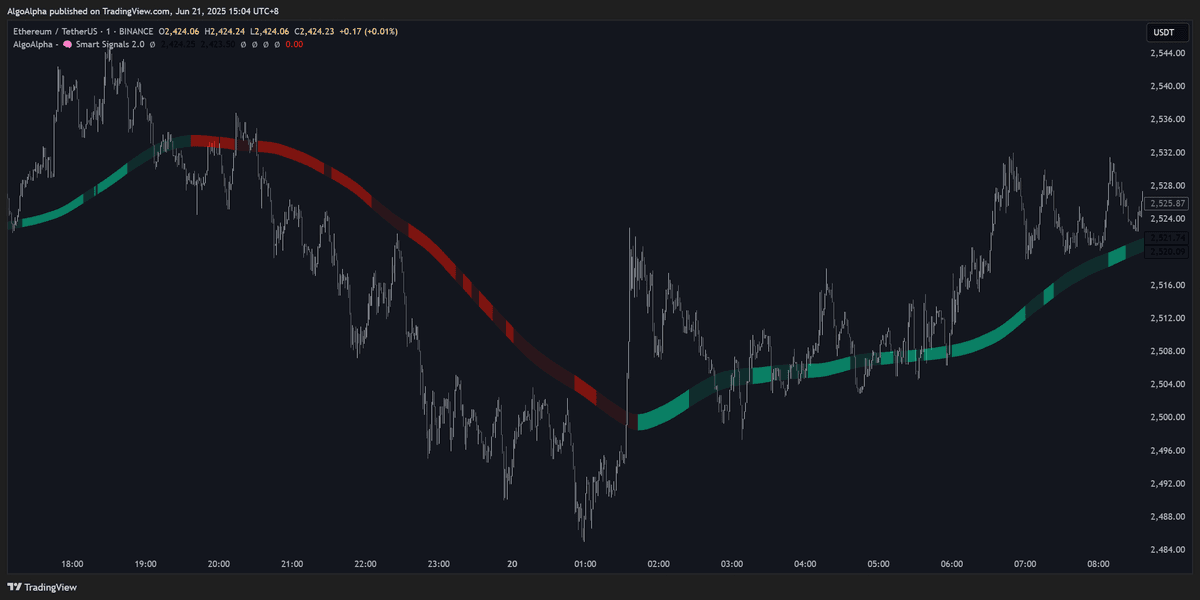
This module evaluates trading volume relative to its recent average:
- Above-average volume on a signal bar adds confirmation
- Below-average volume suggests the move may lack conviction
- Volume spikes on breakout bars are particularly significant
How to use it: Prioritize signals that are accompanied by above-average volume. Low-volume signals are more prone to failure, especially in ranging markets.
4. Support and Resistance Zones
Automatically identified price levels where buying or selling pressure has historically been strong:
- Support zones are drawn below price (potential bounce areas)
- Resistance zones are drawn above price (potential rejection areas)
- Zones are dynamically updated as new price data arrives
How to use it: Buy signals near support zones are stronger than buy signals in open space. Similarly, sell signals near resistance zones carry more weight.
5. Trend Cloud
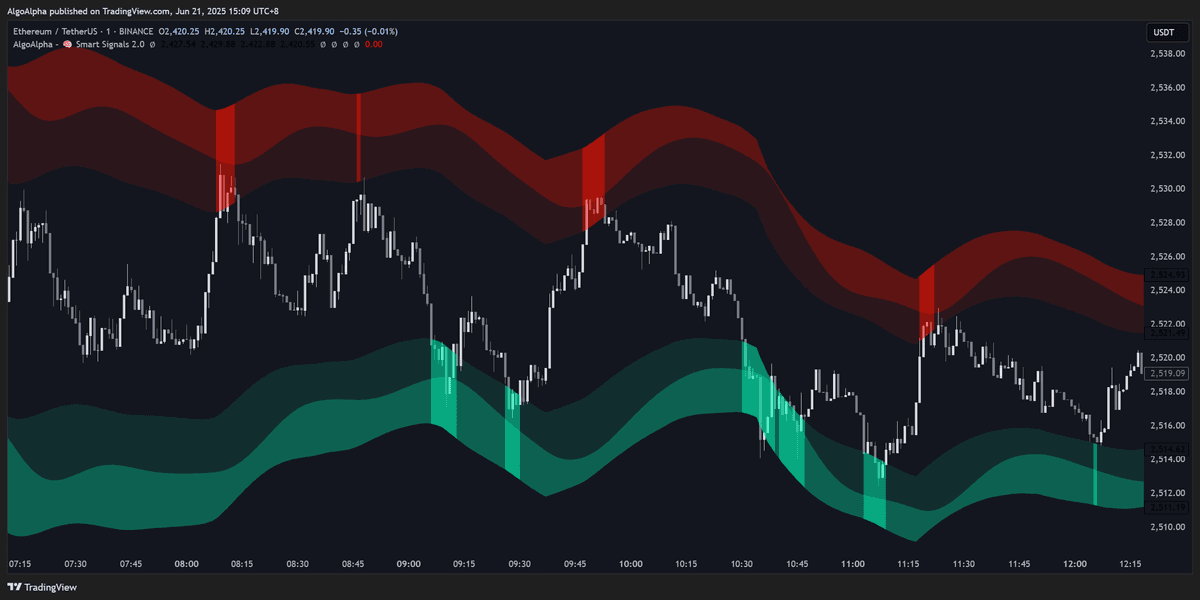
A cloud-style overlay (similar in concept to Ichimoku) that provides a visual representation of trend direction and potential support/resistance:
- Price above the cloud — Bullish bias
- Price below the cloud — Bearish bias
- Price inside the cloud — No clear trend; avoid trading
- Cloud thickness indicates trend strength
How to use it: Trade in the direction of the cloud. When price is above a thick cloud, bullish signals have more backing. Avoid signals when price is trapped inside the cloud.
Confluence Scoring
When multiple modules align, the signal gains "confluence score":
| Modules Aligned | Confluence Level | Suggested Action |
|---|---|---|
| 1-2 | Low | Consider skipping or using tight stops |
| 3 | Moderate | Acceptable entry with normal position sizing |
| 4-5 | High | Strong setup — full position sizing appropriate |
You do not need all five modules to agree on every trade. Three or more aligned modules is generally sufficient for a high-quality setup.
Enabling and Disabling Modules
Each confluence component can be independently toggled on or off in the indicator settings. This is useful for:
- Reducing chart clutter — Disable modules you do not use
- Focusing on specific analysis — If you already track volume separately, you might disable the built-in volume module
- Performance optimization — Fewer active modules reduces the indicator's processing load (relevant for lower-end devices)
See the Settings Reference for toggle options and parameters for each module.